By Ashish · Updated · How auto-arrange works
Quick answer: to make a seating chart, list your guests, decide your tables (a 60 inch round seats 8 to 10), seat couples and families together, separate anyone who should not sit together, then print the layout and an A to Z list. The generator above does every step for you in about a minute.
How to Make a Seating Chart in 4 Steps
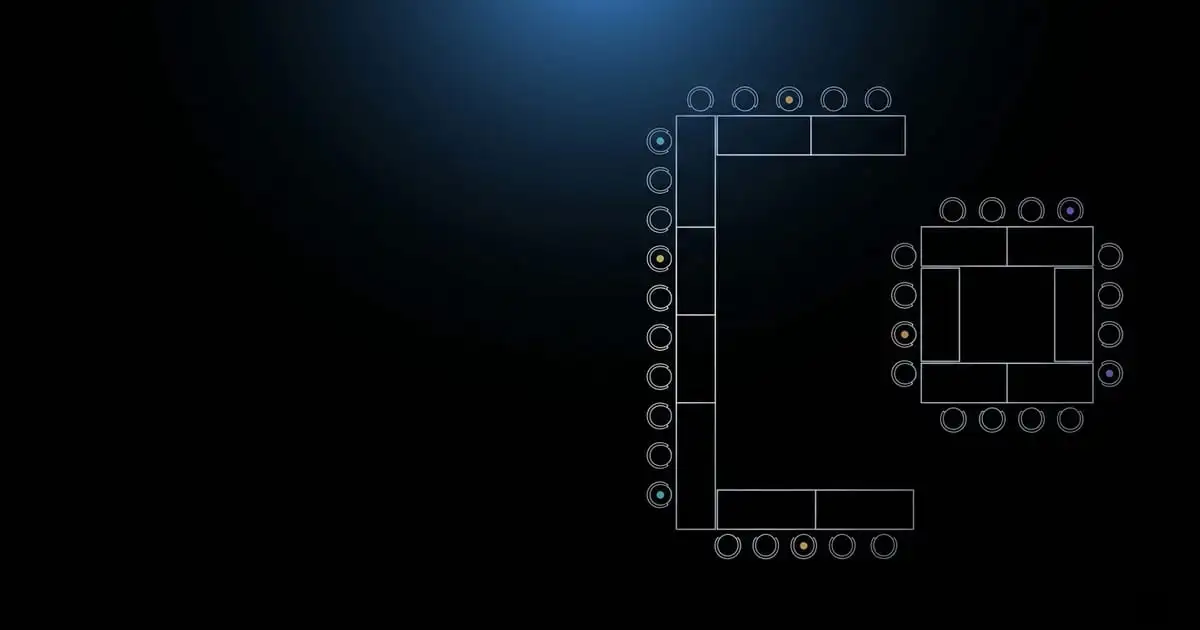
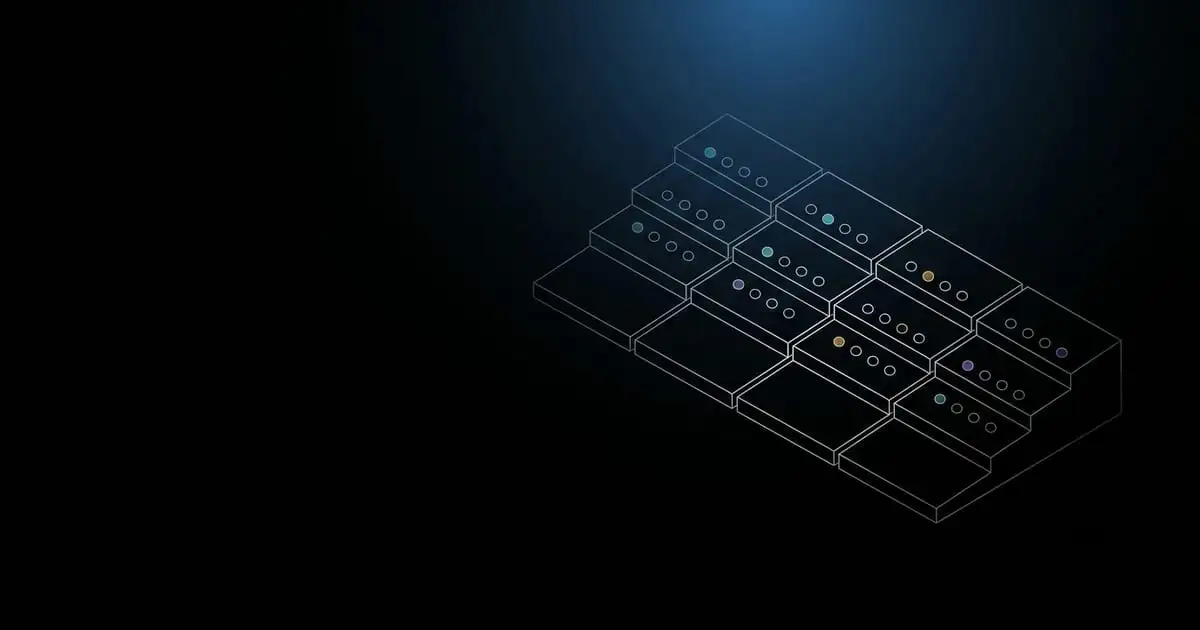
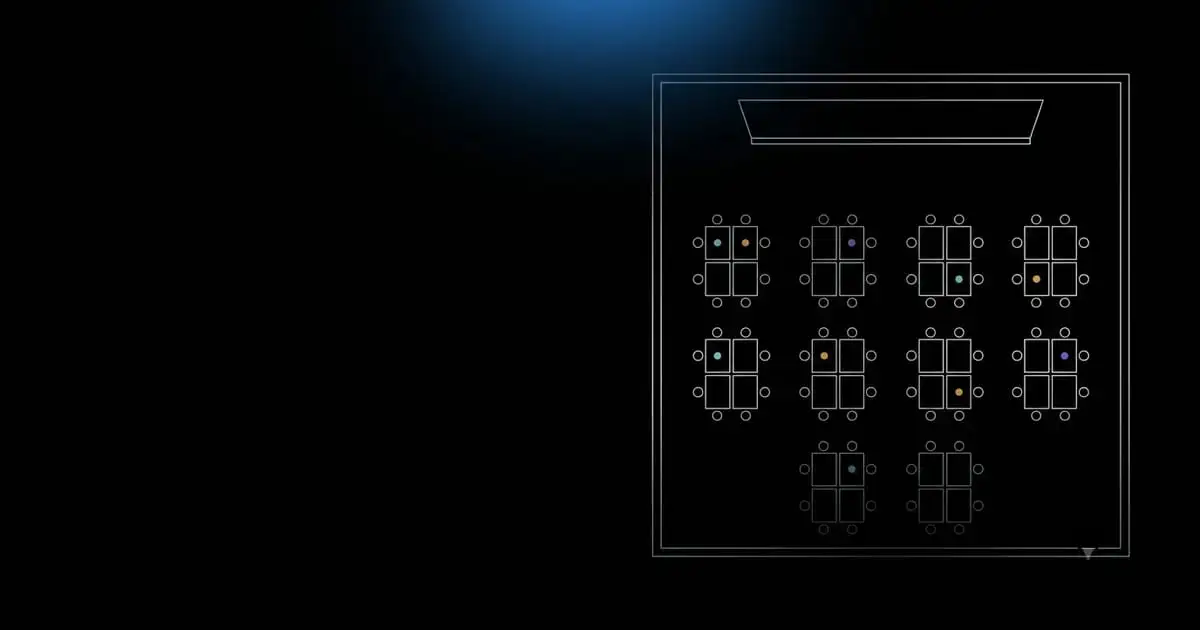
- Pick the type. Choose wedding, event, classroom or band, then the layout: round tables, rectangle tables, desks or semicircle rows.
- Set tables and seats. Enter how many tables or rows you have and how many seats each one holds. The tool shows if you have enough seats.
- Add names and rules. Paste one name per line, with an optional group and meal. Add rules for people who must sit apart or together.
- Arrange and export. Press Auto-arrange, fix anything by dragging seats, then print, save a PDF or PNG, or copy a share link.
The tool starts with a sample wedding so you can see how it works. Press Clear under the names box to start your own list, or switch to Event, Classroom or Band at the top.
How Many People Fit at a Table
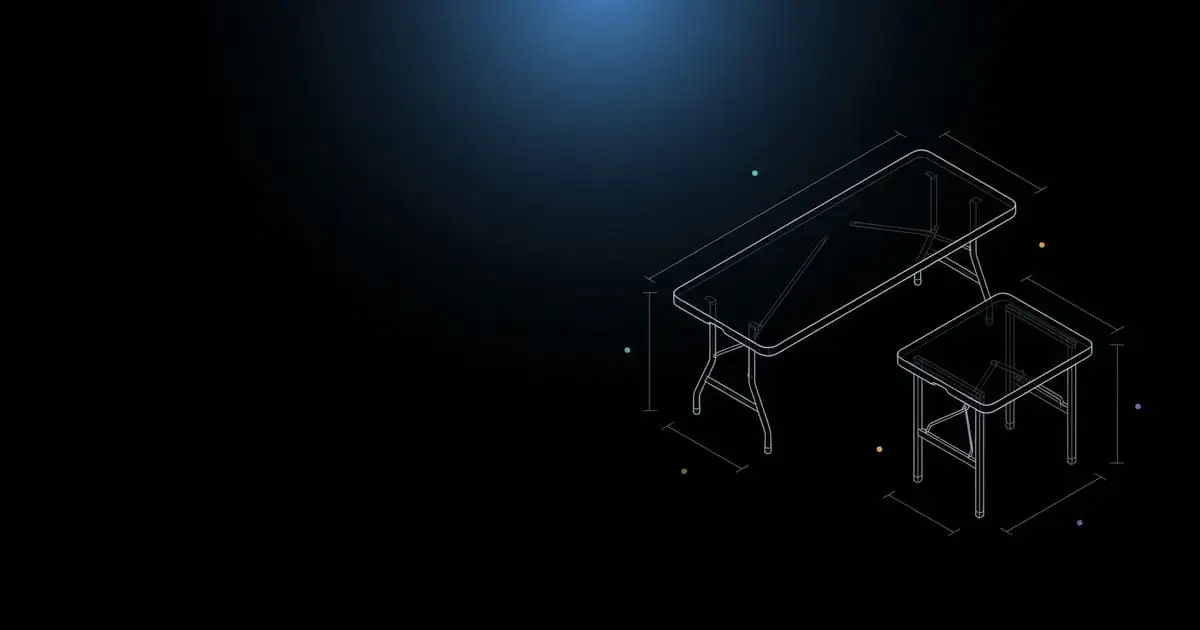
Plan about 24 inches of table edge per person for a tight fit and 30 inches for comfort. Most venues and rental companies use these counts:
| Table | Comfortable | Maximum |
|---|---|---|
| 48 in round | 4 to 6 | 6 |
| 60 in round | 8 | 10 |
| 66 in round | 10 | 11 |
| 72 in round | 10 | 12 |
| 6 ft rectangle | 6 | 8 (with ends) |
| 8 ft rectangle | 8 | 10 (with ends) |
Quick math: 120 guests at 60 inch rounds of 8 need 15 tables (120 ÷ 8). Add a head table and you can drop one or two round tables. The tool shows "seats for guests" as you change the numbers, so you know straight away if you are short.
Seating Rules That Keep Everyone Happy
- Couples and families together. Give each household the same group name and turn on "keep each group at the same table".
- Separate the people who clash. Add a "keep apart" rule. The tool counts both sharing a table and sitting side by side as broken.
- Lock the seats that matter. Put the couple, guests of honour or anyone who needs easy access in place, lock them, then auto-arrange the rest.
- Mix tables with a shared thread. If a table has guests from different groups, seat people with something in common (work, college, kids the same age).
- Leave one or two spare seats. Last-minute plus-ones and vendors always appear. An empty seat per table is easier than a new table.
Classroom Layouts Compared
| Layout | Best for | Watch out for |
|---|---|---|
| Rows of single desks | Tests, direct teaching, focus | Little group work |
| Paired desks | Think-pair-share, buddy reading | Pick pairs with care |
| Groups of 4 or 6 | Projects, stations, discussion | Some students face away from the board |
| Horseshoe (U shape) | Whole-class discussion, seminars | Fits fewer desks |
Switch the tool to Classroom to try each one with your class list. Shuffle gives a fresh random chart that avoids last time's neighbours.
Print, PDF, PNG, CSV or a Link
- Print or PDF: layout on page one, then seats by table, an A to Z "find your seat" list and meal counts for the caterer.
- Place cards: folded tent cards for every guest, four per Letter page, with table and meal. See printable place cards.
- PNG: a clean white image of the layout for a display board, an email or the venue.
- CSV: table, seat, name, group and meal for Excel, Google Sheets or place card printing.
- Share link: the whole chart inside one link for a partner, planner or co-teacher. No account needed.
- Save backup: a small file you can open later on any device to keep editing.
FAQ
Is this seating chart generator really free?
Yes. Every feature is free: auto-arrange, rules, drag and drop, PDF, PNG and CSV export, share links and backups. There is no account, no trial and no watermark.
Do I need to sign up or log in?
No. Your chart saves automatically in your browser on this device. To move it to another device, use Share link or Save backup.
Is my guest list private?
Yes. Names stay in your browser and are not uploaded to our server. A share link carries the chart inside the link itself, so only people you send it to can open it.
How does auto-arrange decide who sits where?
It seats keep-together pairs and groups at the same table first, then tries thousands of seat swaps and keeps the ones that break the fewest rules. Locked seats never move. If a rule still breaks, the tool tells you which one.
Can I import my guest list from Excel or Google Sheets?
Yes. Copy the columns and paste them into the names box, or save the sheet as CSV and press Import CSV. A header row with Name, Group and Meal is mapped automatically, and First name plus Last name columns are joined.
How many people fit at a round table?
A 60 inch round table seats 8 comfortably and 10 at most. A 72 inch round seats 10 comfortably and 12 at most. A 48 inch round seats 4 to 6. Allow about 24 to 30 inches of table edge per person.
How many guests can the tool handle?
Up to 1,000 names and 60 tables. Auto-arrange for 300 guests runs in under a second on a normal phone or laptop.
Can I print a seating chart or save it as a PDF?
Yes. Press Print or PDF. You get the room layout, a table-by-table list, an A to Z "find your seat" list and meal counts per table. Choose "Save as PDF" in the print window to keep a file.
Does it work on a phone?
Yes. Tap a guest, then tap another seat to swap them. You can also drag seats and tables with your finger, and zoom the chart with the minus, Fit and plus buttons.
Can I make a random seating chart for a classroom?
Yes. Pick Classroom, choose rows, pairs, groups or a horseshoe, paste the class list and press Shuffle. Each shuffle tries to give every student new neighbours, and keep-apart rules still apply.
More seating chart makers
- Wedding seating chart generator with a head table and meal counts
- Classroom seating chart generator for rows, pairs, groups and U shapes
- Random seating chart generator that shuffles with rules
- Band and orchestra seating chart generator with sections in semicircle rows
- Event seating chart generator for banquets, galas and corporate dinners