By Ashish · Updated · How auto-arrange works
Quick answer: paste your names, set your desks or tables, add any keep-apart rules, and press Shuffle. You get a random seating chart that still respects your rules, and every new shuffle gives people new neighbours.
How the Random Seating Chart Works
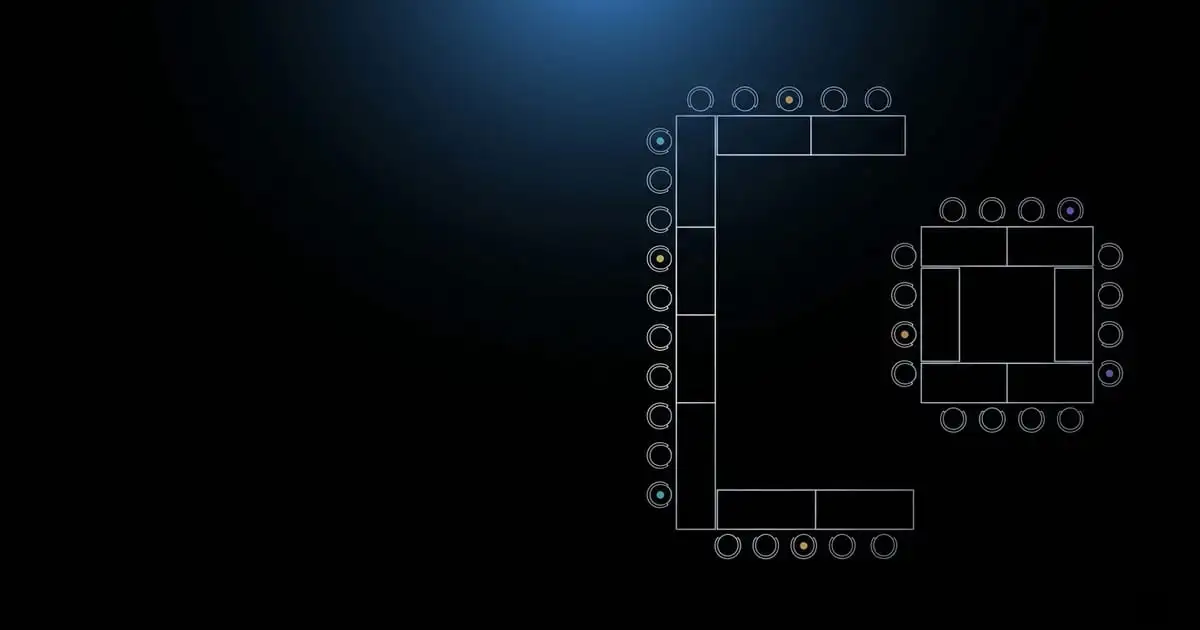
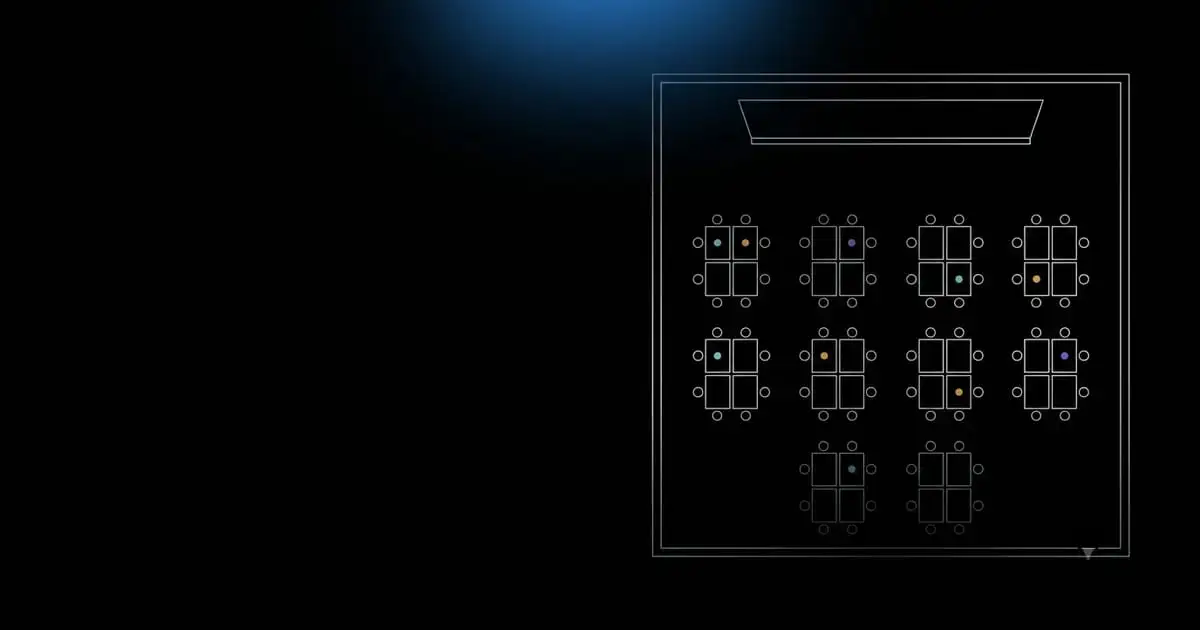
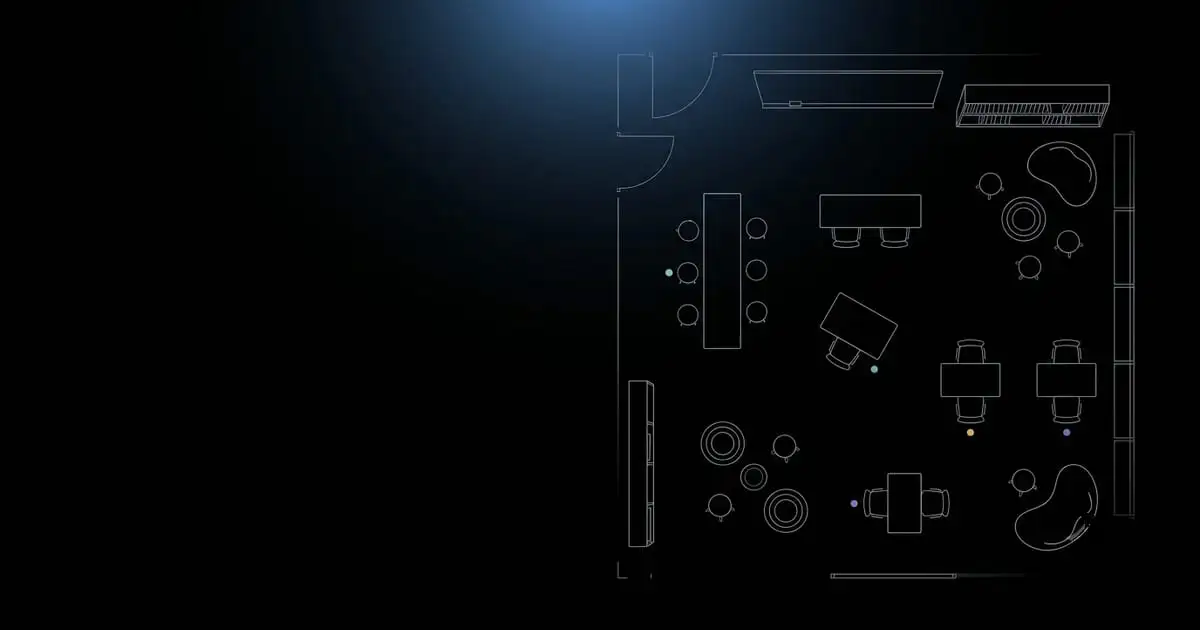
- Pick tables or desks. Choose a classroom layout or tables, and set how many rows, desks or seats you have.
- Paste the names. One name per line. Paste straight from a spreadsheet or roster.
- Set limits. Add keep-apart rules and lock anyone who needs a fixed seat.
- Shuffle. Press Shuffle. Each shuffle is random but avoids last time neighbours and follows every rule.
Why Random Seating?
- It feels fair. Nobody can argue that the teacher or host picked favourites.
- It mixes groups. Friend groups and cliques get split up, so people meet someone new.
- It saves time. A new chart takes one click instead of a planning period.
Pure randomness has a catch: sometimes it puts the two students who argue all day side by side. That is why this generator shuffles with rules. Random where it can be, controlled where it has to be.
Ways to Use It
- Weekly or monthly classroom seat changes.
- Group projects: pick Groups of 4 and shuffle for random teams.
- Networking dinners and team offsites: shuffle guests across tables.
- Exams: rows of single desks, shuffled so friends are not side by side.
FAQ
Is the shuffle truly random?
Yes. Every shuffle starts from a new random order. It then swaps seats only to keep your rules and to avoid giving people the same neighbours as last time, so the result is random within your limits.
Can a random chart still keep two people apart?
Yes. Add a keep-apart rule before you shuffle. The tool treats sharing a table and sitting side by side as together, so both are avoided.
How do I stop the same students sitting together again?
Just press Shuffle again. Before each shuffle the tool remembers every pair of neighbours, and the next shuffle tries to give everyone someone new.
Can I keep some seats fixed and shuffle the rest?
Yes. Tap a person, then Lock seat. Locked people stay put through every shuffle.
Can I use it for events, not just classrooms?
Yes. Switch to Event or Wedding and shuffle guests across round or rectangle tables. It is a good way to mix people at networking dinners and team events.
Can I undo a shuffle?
Yes. Press the Undo arrow to go back, up to 40 steps.
More seating chart makers
- Seating chart generator for any event, with every layout in one place
- Wedding seating chart generator with a head table and meal counts
- Classroom seating chart generator for rows, pairs, groups and U shapes
- Band and orchestra seating chart generator with sections in semicircle rows
- Event seating chart generator for banquets, galas and corporate dinners