By Ashish · Updated · How auto-arrange works
Quick answer: match your tables to the venue floor plan, seat hosts and VIPs closest to the stage, group guests by team or mix them for networking, and print an A to Z list for check-in so guests find their table in seconds.
How to Make an Event Seating Chart
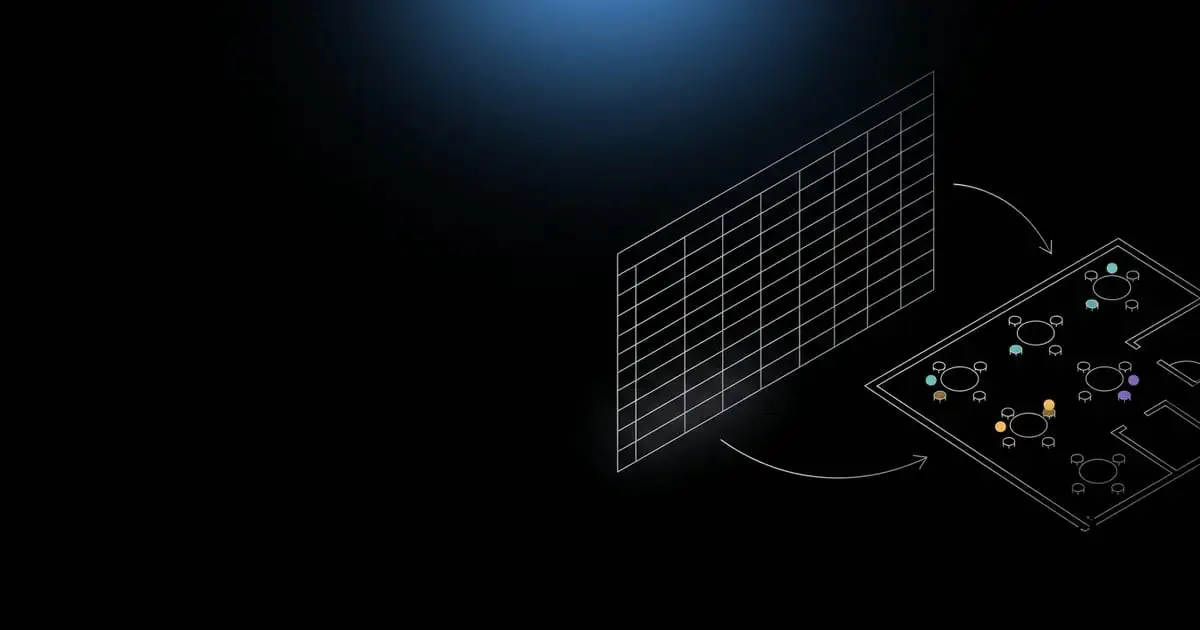
- Match the floor plan. Pick round, rectangle or long banquet tables and set the count and seats per table. Drag tables to match the room.
- Import attendees. Paste or import a CSV with name, company or team, and meal.
- Group or mix. Keep teams together with groups, or turn grouping off and shuffle to mix people for networking.
- Print for check-in. Print the A to Z list for the welcome desk and the table lists for staff. Export CSV for place cards.
Common Event Layouts
| Layout | Best for | Per table |
|---|---|---|
| Round tables | Galas, award dinners, weddings | 8 to 10 |
| Rectangle tables | Team dinners, workshops | 6 to 8 |
| Long banquet rows | Family style, conferences | 8 to 10 per 8 ft |
| Head table | Speakers, hosts, honourees | One side only |
Event Seating Tips
- Give each table a host. One staff member or board member per table keeps conversation going.
- Keep sightlines clear. No guest should sit with their back to the stage for a whole program.
- Leave a spare seat. Walk-ins and swaps always happen. One spare per table helps.
- Send the caterer the meal counts. The printed report has a meal count per table.
FAQ
How do I seat a corporate dinner?
Put hosts and VIPs at the tables nearest the stage, spread senior staff across tables so each has a host, and either keep teams together or mix departments for networking. Lock the VIP seats, then auto-arrange the rest.
How many people per banquet table?
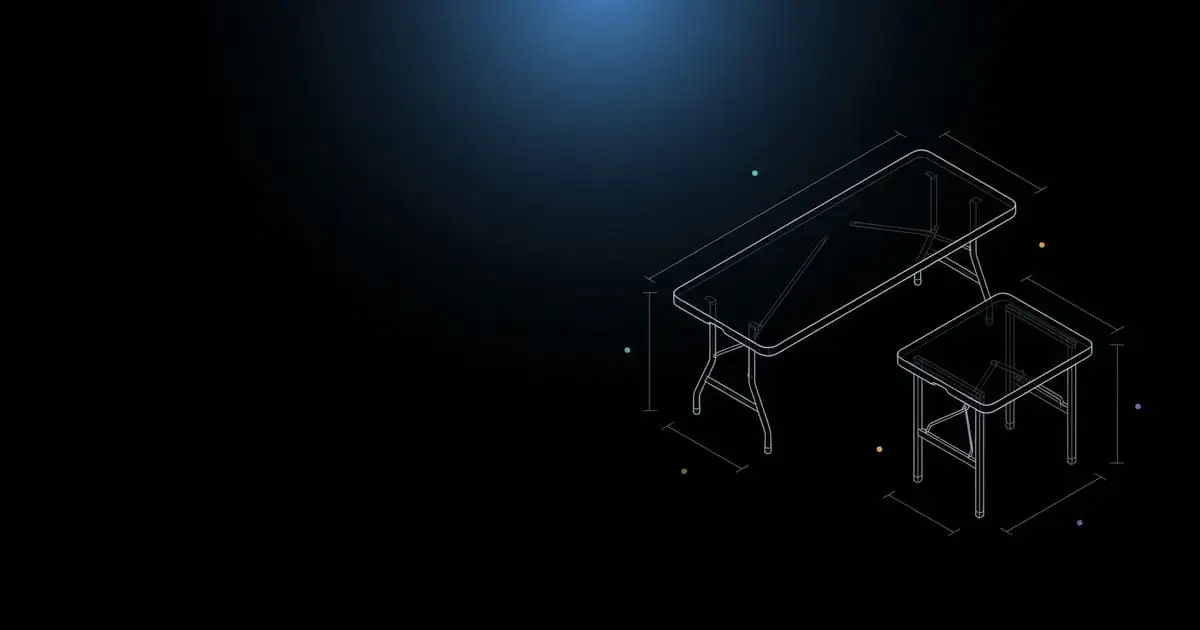
An 8 ft banquet table seats 8 (4 per side), or 10 with one at each end. A 6 ft table seats 6, or 8 with ends. Set seats per table to match.
How do I mix guests for networking?
Turn off "keep each group at the same table" and press Shuffle. Guests from the same company are spread across tables, and each new shuffle gives new table mates.
Can I seat sponsors near the stage?
Yes. Move the sponsor tables next to the stage by dragging them, tap each sponsor guest into a seat there and lock it. Auto-arrange will fill the rest of the room around them.
What is a banquet table?
A long rectangular folding table, usually 30 inches wide and 4, 6 or 8 feet long, used for dinners, buffets and registration. A 6 ft table is 72 x 30 inches and an 8 ft table is 96 x 30 inches.
What size tablecloth for an 8 foot banquet table?
A 90 x 156 inch cloth reaches the floor on all sides. A 60 x 126 inch cloth gives a lap-length drop of about 15 inches.
Can I export for name badges or place cards?
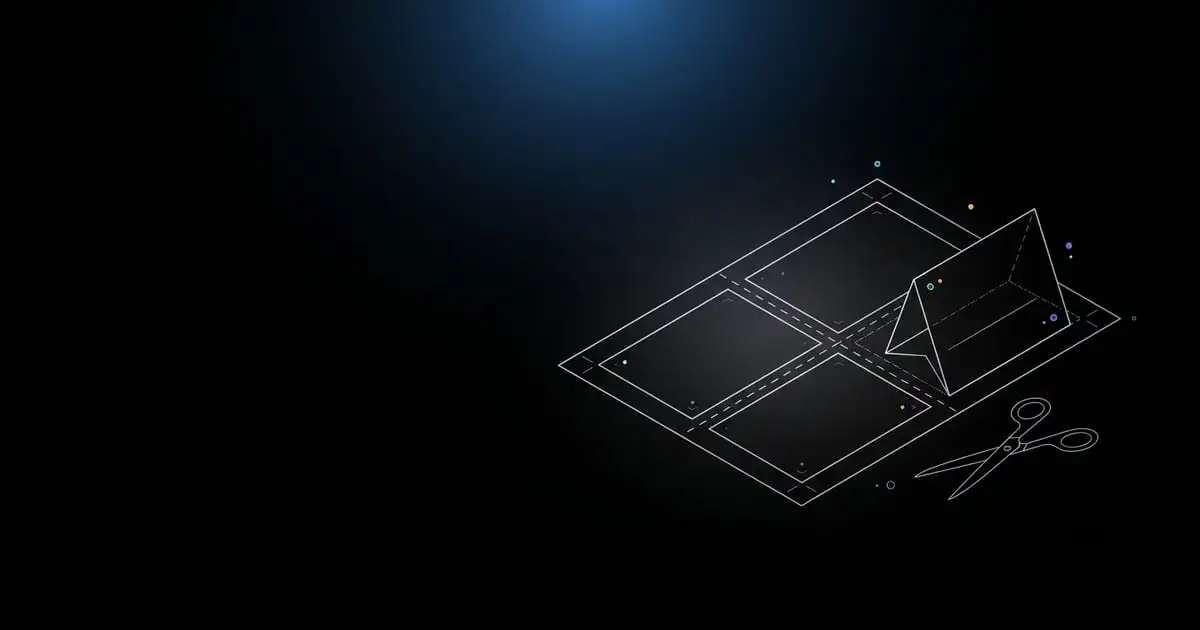
Yes. Place cards prints folded tent cards for every guest with their table and meal. CSV export gives table, seat, name, group and meal for a mail merge in Word, Canva or a badge printer.
More seating chart makers
- Seating chart generator for any event, with every layout in one place
- Wedding seating chart generator with a head table and meal counts
- Classroom seating chart generator for rows, pairs, groups and U shapes
- Random seating chart generator that shuffles with rules
- Band and orchestra seating chart generator with sections in semicircle rows