By Ashish · Updated · How auto-arrange works
Quick answer: pick a layout that fits the lesson (rows for focus, groups for projects), place students with seating needs first and lock them, separate students who distract each other, then shuffle the rest. Reshuffle every few weeks so students get new neighbours.
How to Make a Classroom Seating Chart
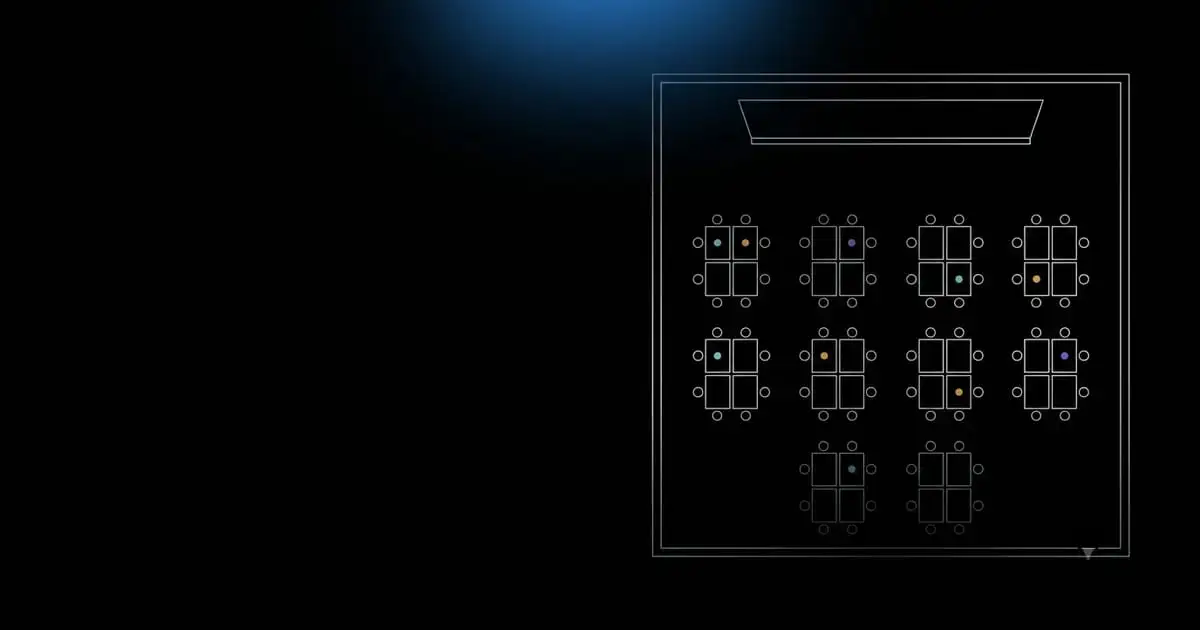
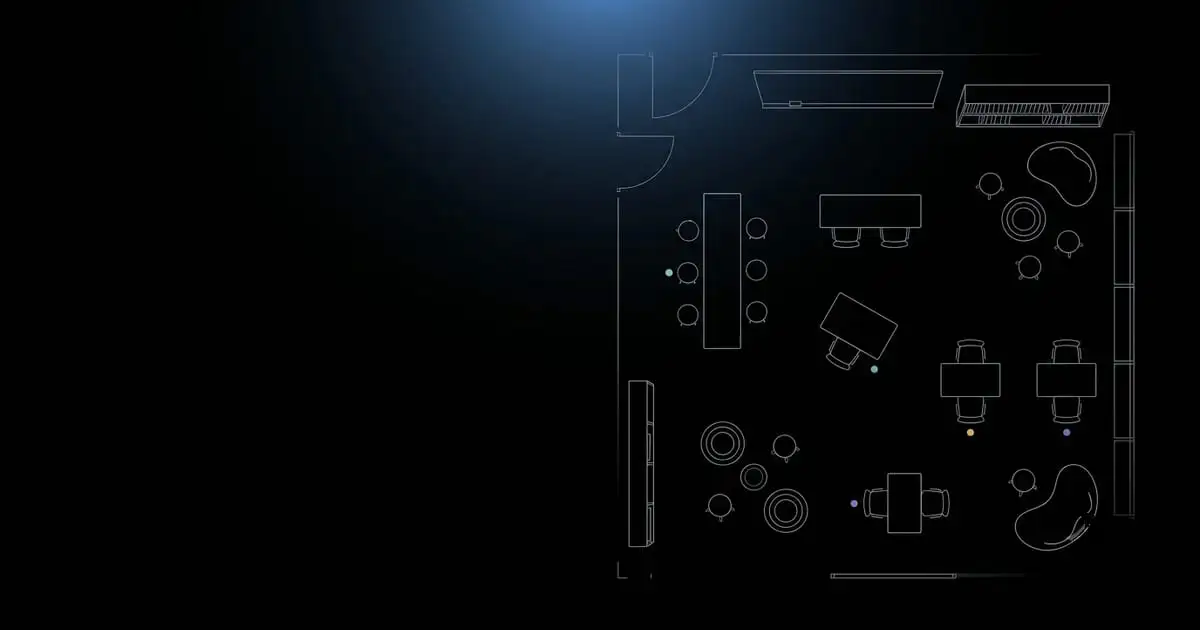
- Pick a layout. Choose rows of single desks, paired desks, groups of 4 or 6, or a horseshoe, and set the number of rows and desks.
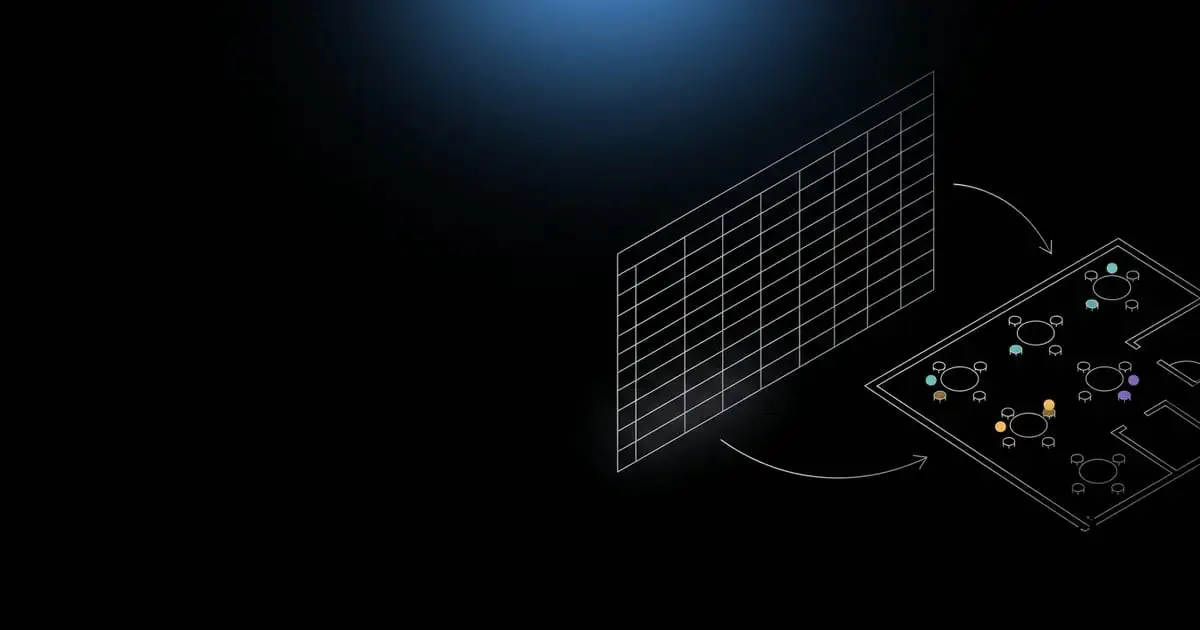
- Paste your class list. Copy the names from your roster or spreadsheet, one student per line.
- Add rules. Keep apart students who distract each other. Lock students who need a front seat or a seat near the door.
- Shuffle and print. Press Shuffle for a random chart with new neighbours, then print it or save a PDF for a substitute folder.
Classroom Seating Arrangements
| Layout | Best for | Watch out for |
|---|---|---|
| Rows | Tests, lectures, new classes | Less talk, less collaboration |
| Pairs | Partner work, peer tutoring | One weak pairing affects both |
| Groups of 4 | Projects, stations, labs | Side-on view of the board |
| Groups of 6 | Big tables, maker spaces | Quieter students can hide |
| Horseshoe | Discussion, seminars, ESL | Fits fewer desks |
A Seating Strategy That Works
- Needs first. Seat students with vision, hearing, attention or mobility needs first, then lock them.
- Separate the pairs you know. Two or three keep-apart rules usually fix most behaviour problems.
- Random for the rest. Random seating feels fair to students and mixes friend groups.
- Change on a schedule. Every 4 to 6 weeks keeps it fresh without constant disruption.
- Print for the sub. Keep a current chart in the substitute folder.
First Day of School
On day one, an alphabetical chart helps you learn names. Paste the roster sorted by last name, press Clear seats, then tap each student and tap their desk, or use Auto-arrange with keep-groups off. Switch to random seating once you know the class.
FAQ
How do I make a random seating chart for my class?
Choose Classroom, pick a layout, paste your class list and press Shuffle. The chart is random, but it still follows your keep-apart rules and locked seats, and it tries to give everyone new neighbours each time.
Can I keep certain students apart?
Yes. In step 4, choose Keep apart, pick the two students and press Add rule. Sitting side by side or at the same group table both count as together, so the tool separates them on both.
How do I seat a student at the front?
Tap the student, tap a front desk to move them there, then press Lock seat. Shuffle and Auto-arrange will leave locked students where they are, which helps with IEP and 504 seating needs.
Is my class list stored anywhere?
Only in your own browser on your device. Names are not uploaded to our server. A share link carries the chart inside the link, so give it only to colleagues who need it.
How often should I change the seating chart?
Many teachers change seats every 4 to 6 weeks, at the start of a new unit, or after a grading period. Shuffle remembers who sat together last time, so each new chart mixes the class.
Can I print a seating chart for a substitute?
Yes. Print or PDF gives the room layout with names, plus an A to Z list of where each student sits, which is what a substitute needs to take attendance.
What is preferential seating in the classroom?
Preferential seating places a student where they learn best, often near the teacher or board, away from distractions, or near the door. It is a common IEP and 504 accommodation. Seat those students first and lock them so shuffles never move them.
What is flexible seating in a classroom?
A setup where students choose from different seats, such as standing tables, stools, floor cushions and regular chairs. Most teachers still keep a base seating chart for attendance, tests and substitutes.
What is the best classroom seating arrangement?
It depends on the lesson. Rows suit tests and direct teaching, pairs suit partner work, groups suit projects, and a horseshoe suits discussion. Switch layouts in the tool to compare them with your own class.
More seating chart makers
- Seating chart generator for any event, with every layout in one place
- Wedding seating chart generator with a head table and meal counts
- Random seating chart generator that shuffles with rules
- Band and orchestra seating chart generator with sections in semicircle rows
- Event seating chart generator for banquets, galas and corporate dinners